
Is It Worth Repairing a Five-Year-Old Laptop?
A practical checklist for deciding whether to repair, upgrade, or replace a five-year-old laptop.
What you need to know
Often, yes. Five years old is not automatically too old for a laptop. Repair usually makes sense when the computer is otherwise reliable, meets your needs, and has one repairable problem. Replacement becomes more attractive when several parts are failing, the laptop cannot run required software, or the repair would leave you with a computer that is still too slow.
Start with what you actually need the laptop to do
A five-year-old business-class laptop used for email, documents, bookkeeping, and web browsing may still be perfectly useful. A five-year-old entry-level model used for demanding design software or modern games may no longer provide the performance you need.
If the laptop was comfortable to use before the current problem started, repairing it is easier to justify. If it was already frustratingly slow, regularly overheating, and running out of storage, look at the whole condition rather than the newest symptom alone.
Repairs that can give an older laptop a useful second life
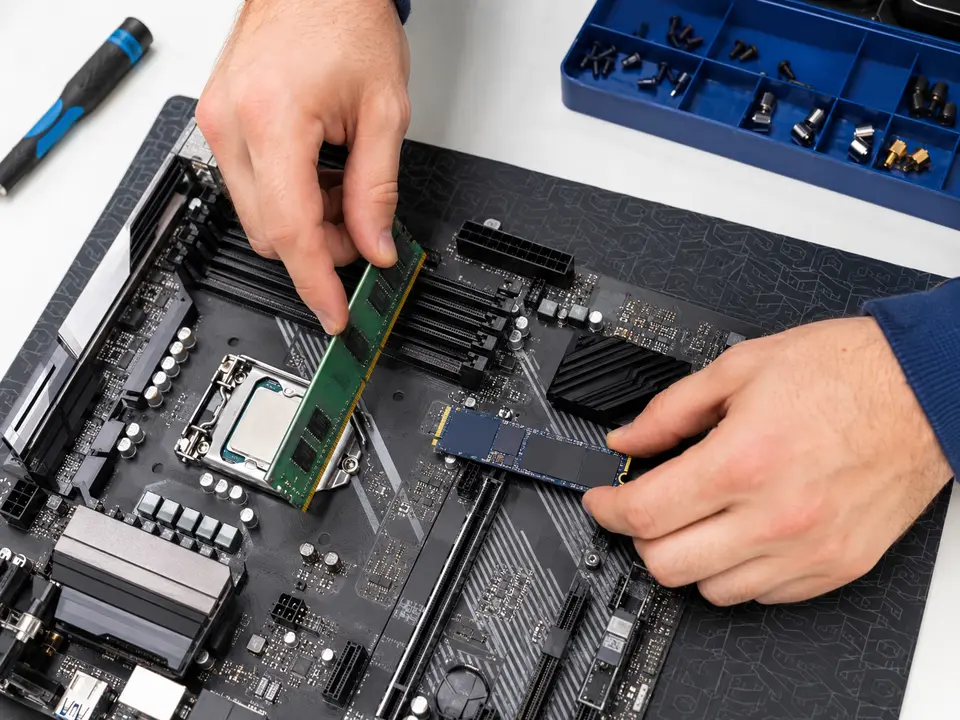
An SSD upgrade can make a dramatic difference when an older computer still uses a mechanical hard drive. More memory can also help when the laptop slows down with several browser tabs or programs open. These upgrades will not turn every old computer into a new one, but they can make a capable laptop much more pleasant to use.
- Replacing a worn battery
- Installing a faster solid-state drive
- Adding memory when the model allows it
- Replacing a broken screen, keyboard, fan, or charging jack
- Cleaning the cooling system and correcting overheating
- Repairing Windows or removing unwanted software
Signs that replacement may be the better choice
- The motherboard has failed and the replacement is expensive or unavailable.
- The laptop has liquid damage affecting several components.
- The screen, battery, hinges, and keyboard all need attention.
- It cannot support the operating system or applications you require.
- Its performance was inadequate even when it was working properly.
Do not forget the cost of changing computers
A new computer may also require data transfer, application installation, email setup, printer setup, and time spent getting everything comfortable again. Those costs do not mean you should always repair the old laptop, but they belong in an honest comparison.
Before deciding, ask for a diagnosis and compare the repair with a replacement that is genuinely equal to or better than what you have—not simply the least expensive model on the shelf.
Want us to take a look?
Tell us what the computer is doing. We will explain the sensible next step before any work begins.