Computer repair & IT services

Computer help without the runaround.

Tell us what is happening. We will explain what is wrong, what it will take to fix it, and whether the repair is worth doing.

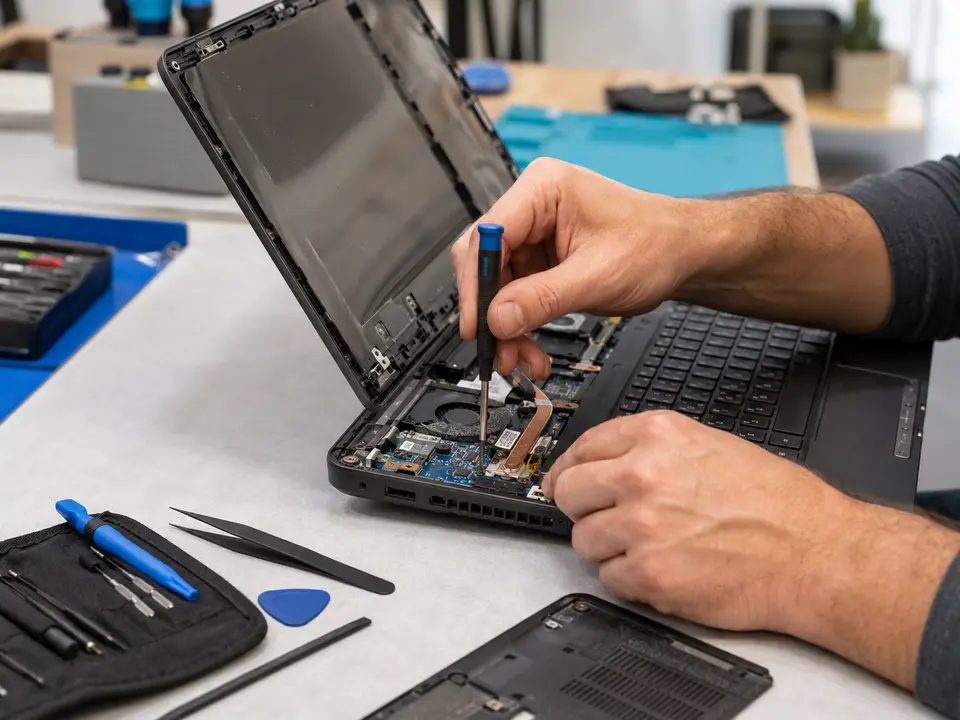
Computer technician repairing a laptop
30-daycustomer satisfaction guarantee

How we can help

Whatever the problem is, you can start with us.

We help with laptops, desktop PCs, Macs, Wi-Fi, printers, software, and the files stored on your devices. You do not need to diagnose it yourself or know which service to ask for.

Just describe what you see. You will have one person to call, one honest explanation, and a chance to approve the work before we begin.

Technician diagnosing and repairing a laptop computer01

Service 01

Laptop repair

Is your laptop slow, overheating, refusing to charge, or not turning on? We can help.

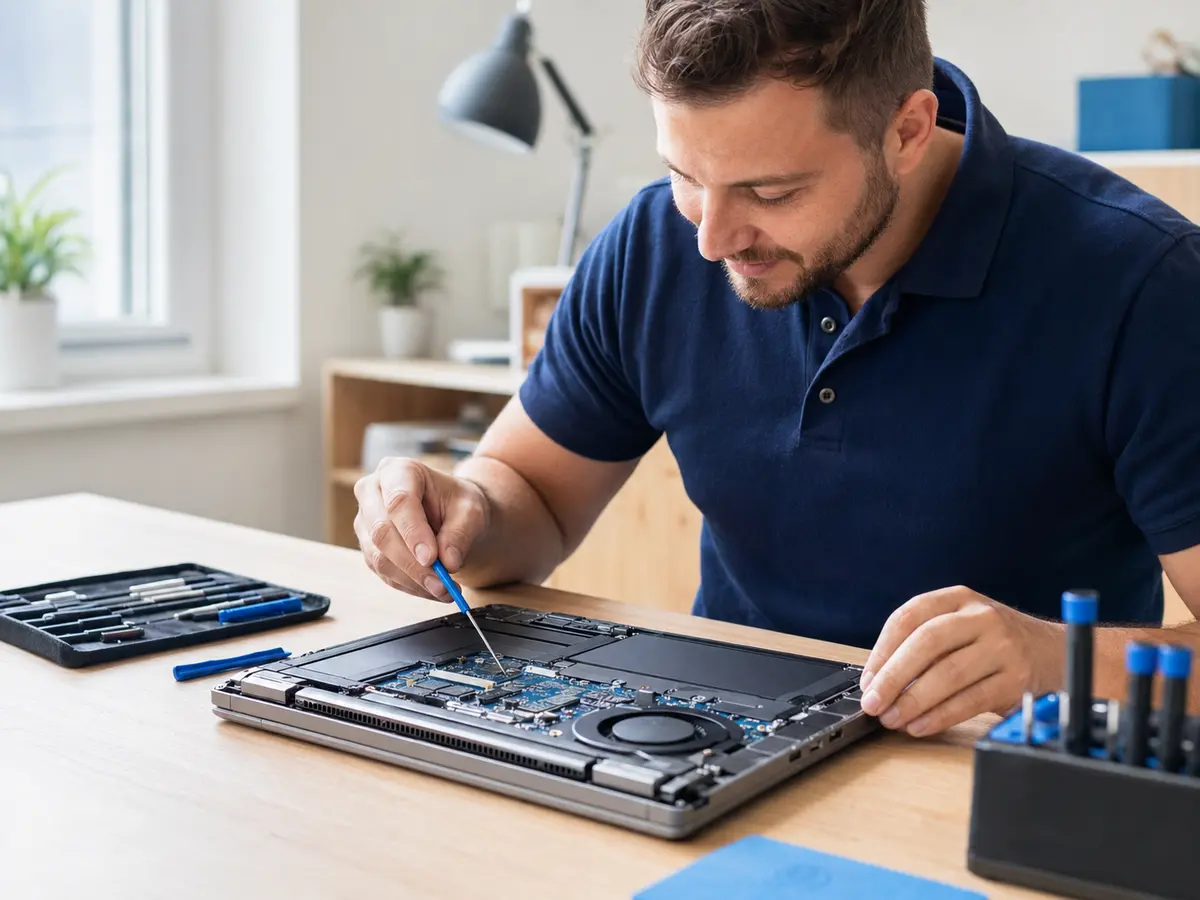
When a laptop stops working, it can bring work, school, and everyday life to a halt. Start by telling us what it is doing—or not doing. We will check the likely causes and explain the repair choices before any work begins.

Some laptop problems can be handled at your home, office, or remotely. Hardware repairs may need to be completed at our repair facility. We work with all major brands and will tell you honestly whether a repair, an upgrade, or a replacement makes the most sense.

Common services include

  • Laptop keyboard replacement
  • Cracked or damaged screen replacement
  • Loose or broken DC power jack repair
  • Battery, fan, and overheating problems
  • Startup failures and slow performance
  • Laptop cleaning and maintenance
Ask about laptop repair
Desktop computer workstation receiving local technical support02

Service 02

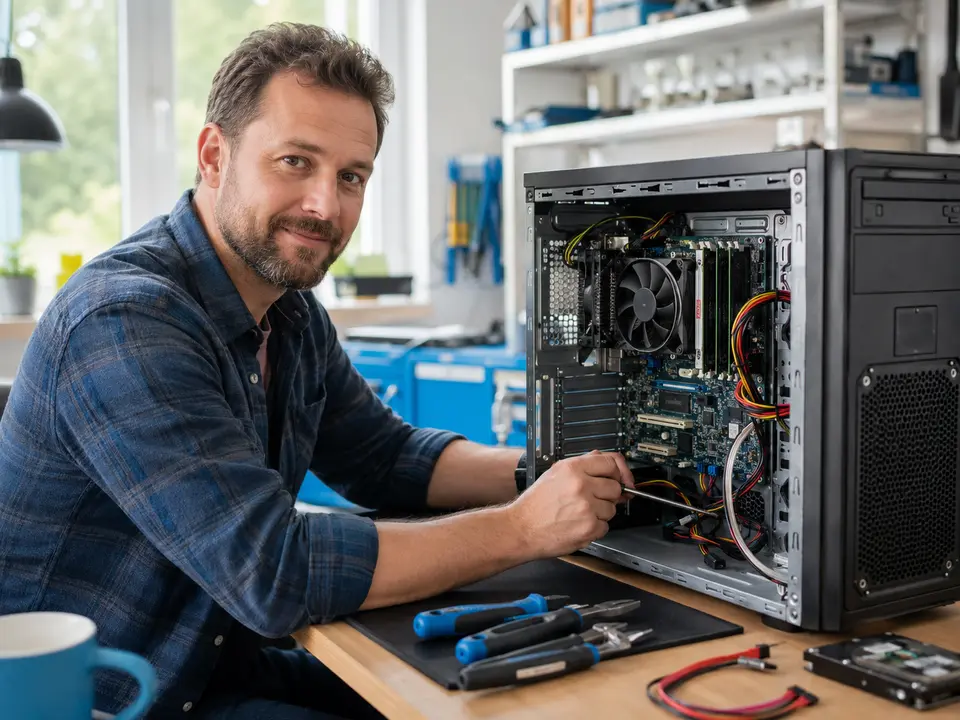
Desktop computer and PC repair

Help for Windows desktops, custom PCs, and office computers that will not start or keep acting up.

If your PC will not turn on, Windows will not load, programs keep freezing, or everything suddenly feels painfully slow, we will check the computer and find the real cause instead of guessing.

Many Windows and software problems can be fixed remotely. For hardware trouble, we can come to you or arrange pickup when a part or longer testing is needed. We work on Dell, HP, Lenovo, Acer, ASUS, PowerSpec, custom-built systems, and many other brands.

Common services include

  • Computer will not turn on or start Windows
  • Freezing, crashing, and unexpected restarts
  • No picture, keyboard, mouse, or printer response
  • Power supply, memory, and storage replacement
  • Motherboard and component diagnosis
  • Windows repair, installation, and tune-ups
Ask about desktop pc repair
Computer storage device being handled for data recovery03

Service 03

Data recovery and backup

We will do our best to recover the files that matter and help you avoid the same scare again.

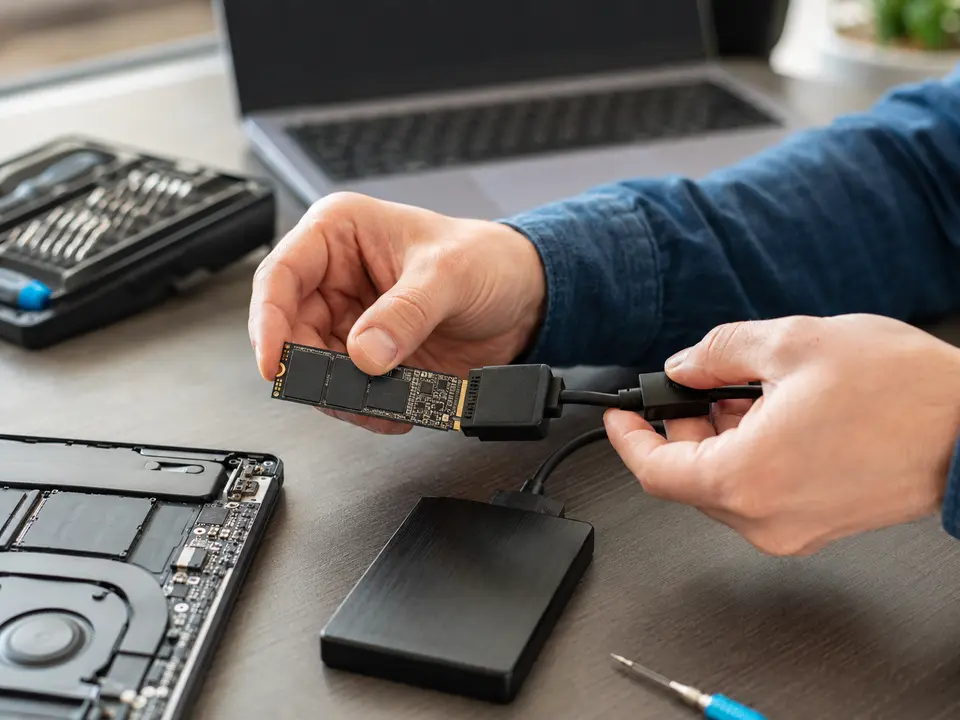
Files can disappear after an accidental deletion, a failed drive, malware, liquid damage, or a computer that no longer starts. We check the storage device and use professional tools to recover whatever is still accessible from computers, external drives, and USB storage.

Once the immediate problem is handled, we can also set up an automatic local or cloud backup. That way your family photos, documents, or business files are not depending on a single computer or drive.

Common services include

  • Hard-drive, SSD, and USB file recovery
  • Files transferred from an old computer
  • External-drive and cloud backup setup
  • Automatic off-site backup options
  • File versioning and restore assistance
  • Business backup and recovery planning
Ask about data recovery
Technician working on an Apple-style notebook computer04

Service 04

Mac and MacBook repair

Local help with MacBook, MacBook Air, MacBook Pro, and iMac hardware or software trouble.

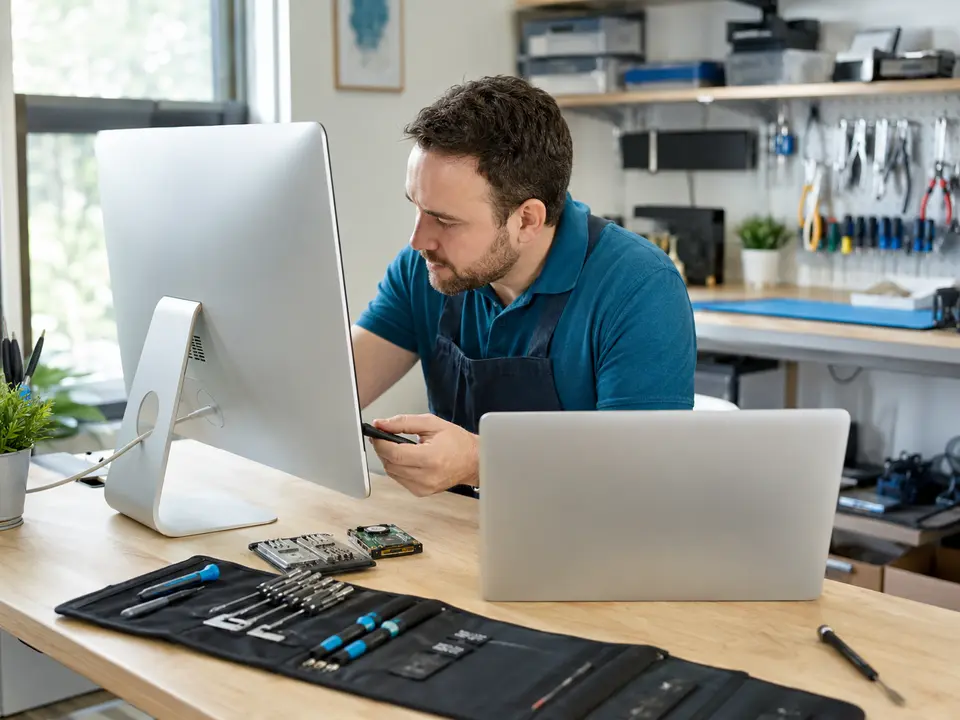
Even a well-built Mac can end up with a worn battery, broken screen, damaged keyboard, failed drive, or macOS problem. We identify the exact model and the right part, then explain the expected cost and turnaround.

We can also help with macOS problems, data transfers, application setup, performance issues, and storage upgrades on models that allow them. If the repair cannot be finished at your home or office, pickup and return can be arranged.

Common services include

  • MacBook battery replacement
  • MacBook screen and keyboard repair
  • iMac troubleshooting and repair
  • Storage replacement and data transfer
  • macOS startup and software problems
  • Performance diagnosis and cleanup
Ask about mac repair
IT specialist helping a customer with computer security05

Service 05

Virus, malware, and ransomware removal

We remove the infection, repair the damage it caused, and help you make the computer safer afterward.

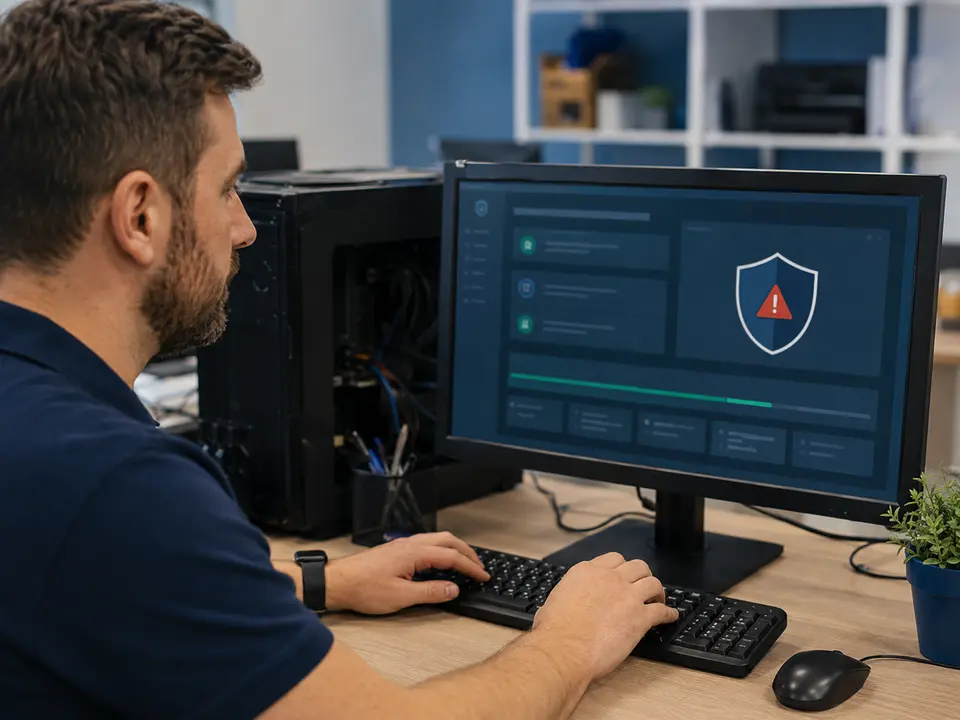
Constant pop-ups, redirected searches, fake warnings, sudden slowness, and disabled security tools can all point to an infection. Malware can hide deep in the system, so simply closing the visible pop-up is usually not enough.

We check for viruses, spyware, adware, Trojans, and other unwanted programs, remove what we find, repair affected parts of Windows, and install important updates. We can also review browser extensions and startup programs and show you a few sensible ways to reduce the chance of another infection.

Common services include

  • Virus, spyware, and adware cleanup
  • Ransomware and suspicious-pop-up diagnosis
  • Operating-system repair and testing
  • Critical Windows and security updates
  • Browser and startup-program cleanup
  • Practical prevention recommendations
Ask about malware removal
Friendly technical support for software installation06

Service 06

Software installation and configuration

Help installing, moving, updating, and fixing the programs you use at home or at work.

Software setup is not always as easy as clicking Install. Licenses, passwords, system requirements, updates, old data, and compatibility problems can quickly turn it into a frustrating job. We can install and configure the program so it is ready to use.

For small businesses, we can set up applications on several computers, configure email and Microsoft 365, move user data, and speak with the software vendor when needed. Depending on the job, this can be done on-site or remotely.

Common services include

  • Application installation and activation
  • Microsoft 365, Outlook, and email setup
  • Windows and macOS software troubleshooting
  • Operating-system installation
  • Business application rollouts
  • Updates, migration, and user assistance
Ask about software setup
Computer memory and storage hardware prepared for an upgrade07

Service 07

Computer hardware upgrades

The right upgrade can make a slow computer feel useful again and add years to its life.

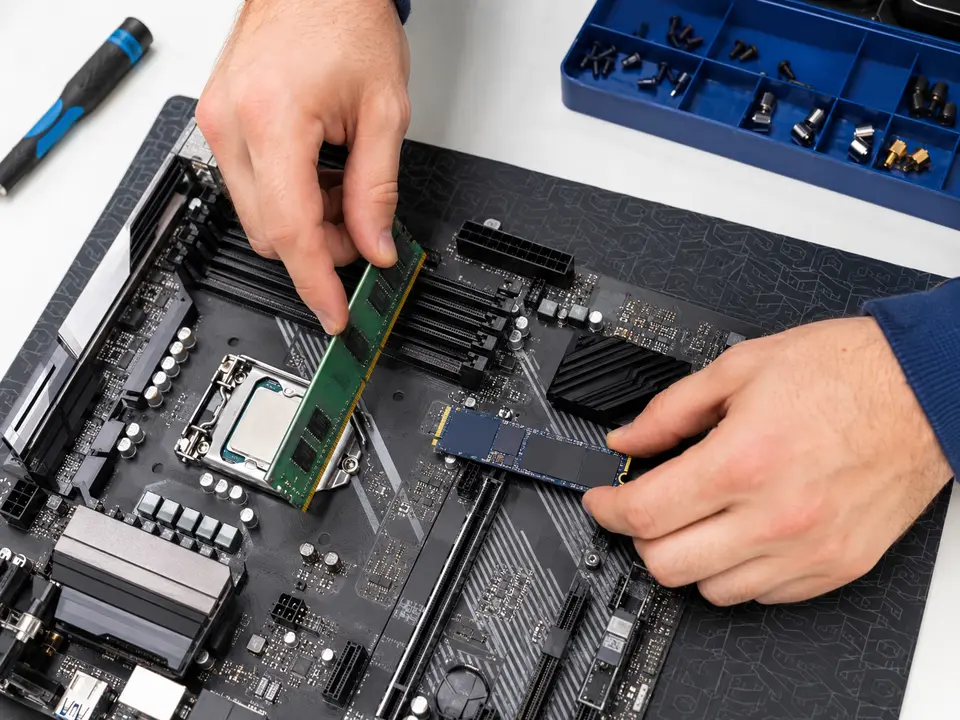
A slow computer does not always need to be replaced. More memory, a solid-state drive, better cooling, or the right video card can make a noticeable difference. We look at how you use the computer and recommend only the upgrades that are worth the money.

We install the new parts, move data when needed, update the drivers, and test everything afterward. We can also clean dust from inside the computer and address overheating before it causes more trouble.

Common services include

  • RAM and solid-state drive upgrades
  • Hard-drive replacement and data migration
  • Video card and power-supply installation
  • Processor and cooling improvements
  • Component compatibility review
  • Internal cleaning and performance testing
Ask about hardware upgrades
Quality components arranged for a custom desktop computer build08

Service 08

Custom-built computers

A reliable PC chosen and built for the work—or play—you actually plan to do.

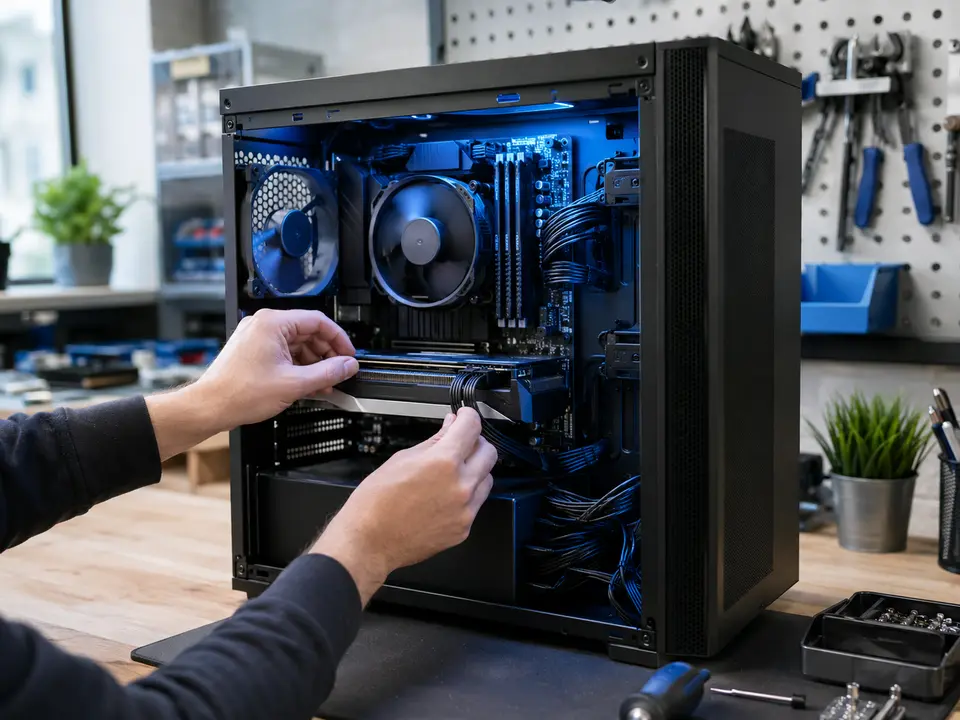
A custom computer should be built around what you will actually use it for. We discuss your programs, performance needs, future plans, and budget before choosing reliable parts. You get enough power where it matters without paying for features you will never use.

You work with the same person from choosing the parts through assembly, Windows installation, testing, and final setup. The computer is built neatly, cooled properly, and planned so it can be serviced or upgraded later.

Common services include

  • Home and small-business desktop PCs
  • Gaming and high-performance systems
  • Photo and video editing workstations
  • Needs assessment and component selection
  • Professional assembly and testing
  • Future upgrade planning
Ask about custom computers
Small office receiving network, Wi-Fi, and printer support09

Service 09

Network, Wi-Fi, VPN, and printer services

Help with weak Wi-Fi, dropped connections, offline printers, VPNs, and small-office networks.

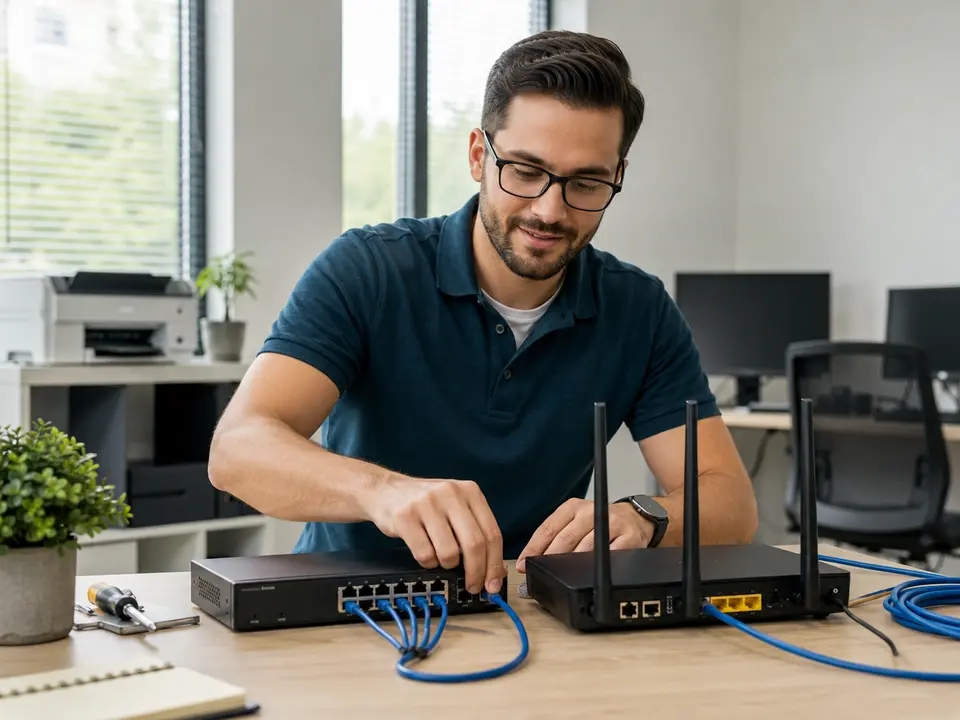
Slow Wi-Fi, dead zones, dropped connections, and a printer that is always offline can make every computer in the building frustrating to use. We check the whole path, from the internet service and router to cabling, wireless coverage, computers, and shared devices.

For small businesses, we set up wired and wireless networks, firewalls, switches, VPN access, wall jacks, and network printers. If the problem involves your internet or equipment provider, we can speak with them and help keep the issue moving.

Common services include

  • Wi-Fi and router configuration
  • Network printer installation and repair
  • Switches, cabling, and wall jacks
  • Firewall and network security review
  • Virtual private network (VPN) setup
  • Home-office and small-business support
Ask about networks & wi-fi

Local computer help

Serving Aurora and the Denver Metro Area.

Caspicom supports residential customers, home offices, and small businesses across Aurora, Denver, Centennial, Englewood, Greenwood Village, Littleton, Lakewood, Parker, Commerce City, Thornton, Westminster, Arvada, and nearby Denver Metro communities. Depending on the problem, we may be able to help on-site or remotely.

Not sure which service you need? Tell us what the computer is doing, when the problem started, and whether you see an error message. We will point you in the right direction.

Not sure what failed?

Start with the symptoms. We’ll handle the diagnosis.

Tell us what’s going wrong
Text us