
Data recovery in Aurora, Colorado

When important files disappear, stop and call before trying more fixes.

Local help recovering photos, documents, schoolwork, and business files from computers and storage devices.

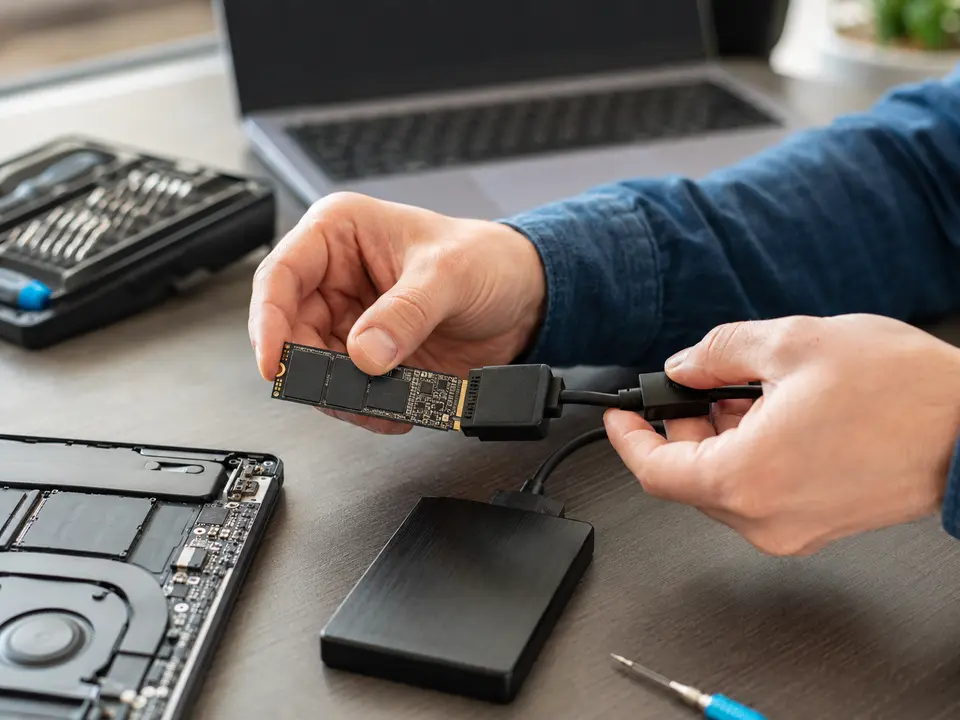
Storage device prepared for data recovery in Aurora, Colorado
Aurora-basedserving the Denver Metro Area

Local help from Caspicom

The first goal is to avoid making the damage worse.

Repeated restarts, repair utilities, formatting attempts, and continued use can overwrite recoverable data. We begin with the condition of the device and the value of the missing files.

You speak directly with a local technician, receive an explanation in plain language, and approve the work before we move forward.

Storage device prepared for data recovery in Aurora, ColoradoLOCAL

Aurora & Denver Metro

Data recovery in Aurora, CO

Files may disappear after accidental deletion, a failed hard drive or SSD, file-system damage, malware, liquid damage, or a computer that no longer starts. We evaluate the device and use professional recovery tools to retrieve the files that remain accessible.

Recovery results depend on the type and extent of the damage, so no responsible technician can promise that every file will be recovered. We explain what can be attempted and keep you informed before more involved work is performed.

After recovery, we can transfer the files to a new drive or computer and set up an automatic local or cloud backup. A reliable backup helps make sure one failed device does not create the same emergency again.

Common reasons customers call

  • Computer no longer starts but files are still needed
  • Deleted photos, documents, or business files
  • Hard drive, SSD, external drive, and USB recovery
  • Old-to-new computer data transfer
  • Files copied from a failing storage device
  • Local and cloud backup setup after recovery

Questions customers ask

What to know before you schedule.

01

Can every file be recovered?

No recovery can be guaranteed. Success depends on whether the data has been overwritten and whether the storage device has physical or electronic damage.

02

Do you recover files from external drives?

Yes. We can evaluate many internal drives, external hard drives, SSDs, and USB storage devices.

03

What should I do right now?

Stop writing new data to the device. If it is clicking, overheating, or repeatedly disconnecting, turn it off and contact us before trying repair software.

Need help with a computer?

Tell us what is happening. We will help you choose the next step.

Request computer service
Text us