
Virus and malware removal in Aurora

Pop-ups, fake warnings, or a suspicious computer?

We remove unwanted software, repair affected Windows components, and help you make the computer safer afterward.

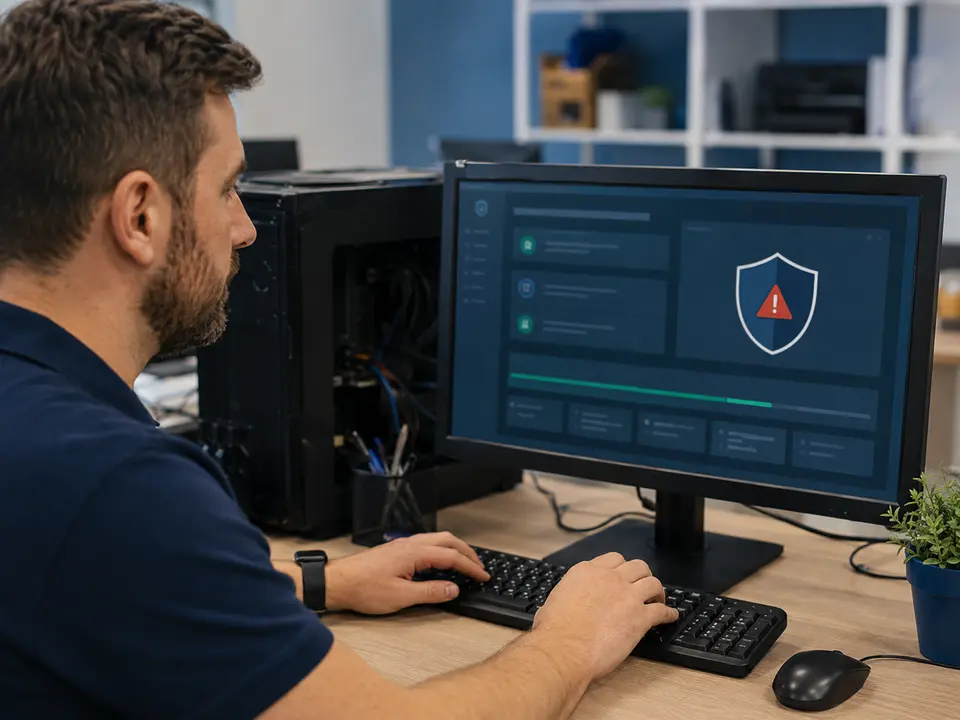
Technician helping a customer with virus and malware removal in Aurora
Aurora-basedserving the Denver Metro Area

Local help from Caspicom

Closing the pop-up is not always the same as removing the infection.

Malware can hide in browser extensions, startup programs, scheduled tasks, and system folders. We check beyond the visible warning.

You speak directly with a local technician, receive an explanation in plain language, and approve the work before we move forward.

Technician helping a customer with virus and malware removal in AuroraLOCAL

Aurora & Denver Metro

Virus and malware removal in Aurora, CO

Common warning signs include constant advertisements, redirected searches, unfamiliar browser extensions, fake antivirus messages, disabled security tools, sudden slowness, and accounts behaving strangely. Some of these problems are malware; others are scam notifications or unwanted programs that still need cleanup.

We scan the computer, remove detected threats and unwanted software, repair affected Windows components, and install important updates. We also review browser and startup settings when appropriate and explain what we found in normal language.

If you entered a password or payment information after a suspicious message, tell us. Computer cleanup is only one part of the response; important passwords may also need to be changed from a clean device.

Common reasons customers call

  • Constant pop-ups or fake security warnings
  • Browser redirects and unwanted extensions
  • Virus, spyware, adware, and Trojan cleanup
  • Suspicious startup programs and slow performance
  • Windows repair and security updates
  • Practical advice to reduce future infections

Questions customers ask

What to know before you schedule.

01

Can malware removal be done remotely?

Often, yes. If the computer can start and connect safely, remote service may be possible. We will tell you whether remote or hands-on work is more appropriate.

02

Will I lose my files?

The goal is to remove the threat while protecting your files. If Windows is badly damaged, we discuss backup and repair options before reinstalling anything.

03

Should I change my passwords?

If you entered passwords after a suspicious warning or believe they were exposed, change them from a clean device. We can help you decide which accounts should be handled first.

Need help with a computer?

Tell us what is happening. We will help you choose the next step.

Request computer service
Text us